
Windows License Management and Activation Issue
Question
Hi All,
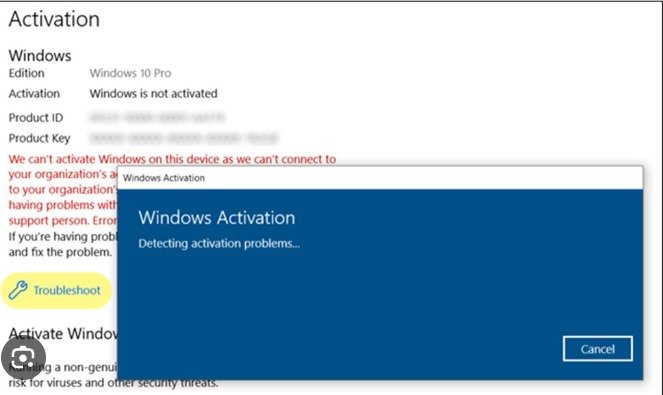
We have recently upgraded to M365 E3 license but a lot of devices are still showing as window Pro rather than Enterprise. We have also seen a couple of laptops which are asking for windows activation. All devices are fully MDM managed with Entra and Intune. There is also inconsistency with the license type – some are retail some OEM. What’s the best approach / where to check here to ensure all our devices are on Enterprise and we don’t get any OOBE builds wanting an activation key? Not use to this kind of issue.
Posted by Mark J Duckworth in HTMD FB Group

Answers ( 3 )
Follow this guide for Windows activation. https://www.anoopcnair.com/upgrade-windows-10-11-edition-using-intune/
Replied by Tony James
We deployed an Intune policy for edition upgrade to all devices and this solved most of them for us. We had to do a few manually though afterwards
Replied by Mark J Duckworth
So we have an edition upgrade policy in place already but this was before the E3 upgrade and when I joined the company. Is it just a case of updating the product key to Enterprise as assume this is for the Pro license
Replied by Joost Gelijsteen
There is also an ongoing issue going on with going to enterprise
And I think you’re facing this issue. Rudy Ooms created a blogpost about it
https://call4cloud.nl/2024/05/kb5036980-breaks-upgrade-windows11-enterprise
More Details Windows 11 License Activation using the Command Line Option
https://www.anoopcnair.com/windows-11-license-activation-using-command/
Replied by Stephen Perkins
I used a remediation job/Power shell to detect win pro devices and upgrade to win enterprise. Worked pretty well. Had a similar issues, which if I recall prevented devices registering for Auto Patch.
Replied by Ingo Flink
Stephen Perkins nice. I like that
Replied by Sanjay Mittal
For devices that are not activating, consider using the Activation Troubleshooter on the affected devices. This tool can often resolve unseen issues related to license keys and activation states. Use Intune to check whether the device configuration profiles are correctly set up to trigger the edition upgrade from Windows Pro to Enterprise. This typically involves deploying a Windows 10/11 Edition Upgrade configuration profile.
Replied by Marco Segura
Tony James this never fail and works like a charm