
Enroll Using Company Portal in 23H2 win 11 Version
Question
Hi All,
We are trying to enroll using company portal but getting error windows version doesn’t match, though it’s 23H2 win 11 version, what should we do
Posted by Nilesh Chaudhari in HTMD FB Group

Answers ( 3 )
Replied by Rom Mel
check min-max VER
Replied by Dennis Wallman
Are you trying to enroll Windows Home?
Replied by Mushavhi Vho Mafhungo
I think there’s something wrong with your security group Dynamic query setup under Azure portal.
Replied by Alluru Subodh
Is it pro or enterprise??
Replied by Thor Velling
Need to see the environment before i Can come With more details
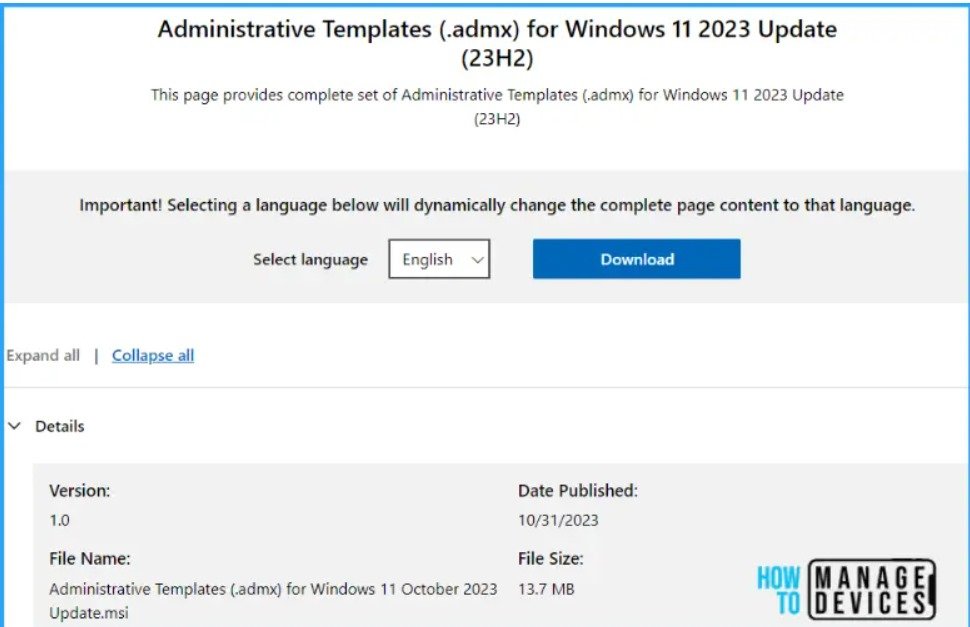
For More Details Download Windows 11 23H2 Administrative Templates
https://www.anoopcnair.com/windows-11-23h2-administrative-templates-use/
Replied by John Bryntze
Strange if 23H2.
Go Devices -> Device onboarding -> Enrollment-> Device platform restriction
Under windows restriction click on one in the list, probably default- check the min/max version and adjust.
23H2 you say but not if you got June updates installed… install those and you should be good to go
Replied by Jimi McNear Jr.
John Bryntze the June update still is 23H2. 24H2 is still in preview.
Replied by Thor Velling
Sounds like your missing some setup or have restricted enrollment