
Lock Screen Despite Intune Settings
Question
Hi All,
I’m trying to keep a group of PC’s awake and logged in via Intune and no matter what I try my test pc with a shared login constantly goes to Lock Screen
Or screen saver after 10 minutes.
The PC is in an Intune only OU and I have also moved the user to this OU, cleared the user from the pc, restarted and logged in again but still it goes to the Lock Screen. I’ve managed to get the pc to stay awake at least but still the issue exists.
Posted by Mark Andrew in HTMD FB Group

Answers ( 2 )
Replied by Sean Bravener
are these net new machines that have only EVER lived in the OU that is lacking the lock screen GPO? or did they live in a locked down OU previously? if the latter then you need to apply a GPO that undoes the changes made in the lock down GPO and THEN apply the Intune policy. they are likely tattooed with the lock down o GPO still and the Intune policy is not touching the same reg entries as the GPO did
Replied by Mark Andrew
Sean these are existing pcs mate, ideal thanks will take a look a GPO.
Replied by Ingo Flink
Check the power savings settings
Replied by Mark Andrew
Ingo as above I’ve got the pc to stay awake but it still goes to Lock Screen after 10 minutes
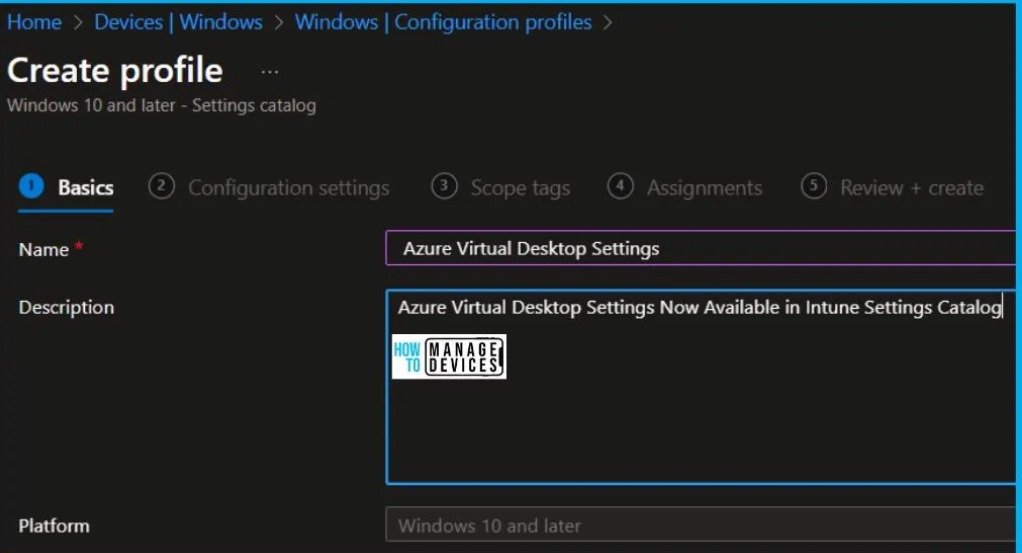
For More Details AVD Enable RDP Short path for Managed Networks Settings now available in Intune Settings Catalog
https://www.anoopcnair.com/avd-enable-rdp-shortpath-for-managed-networks/
Replied by Timmy Andersson
Do you use a security baseline? If so, you have the lock screen enabled in the “local policies” section.
Otherwise, disable the lock screen via config policy.
Replied by Mark Andrew
We do have a security baseline, I’ll check today, issue is that this issue is for around 10/15 pcs out of 2500
Replied by Sean Kinnee
Timmy Andersson security baselines are a bit unyielding and designed for folks not skilled to implement their own CA policies.
You may need to create your own policies and disable the security baselines in order to have proper control.