
What is the Solution for a Firewall that does not Accept the Recommended Wildcard?
Question
Hi All,
We are whitelisting the autopilot URLs, but our firewall doesn’t accept wildcards, as our network team advised. We can see that some of the URLs change frequently, so builds fail. I’m just wondering how to get around this. Does MS publish URLs in finer detail? So, what sits behind the wildcards?
Posted by Anonymous member in HTMD FB Group

Answers ( 2 )
Replied by Anonymous member
Brett Lock, thanks. We did this, but some URLs failed on packet captures, so maybe some are missing. Suppose I could ask MS for a list of IPs behind the URLs failing and needing a wildcard if they’d know. So far, they haven’t helped much.
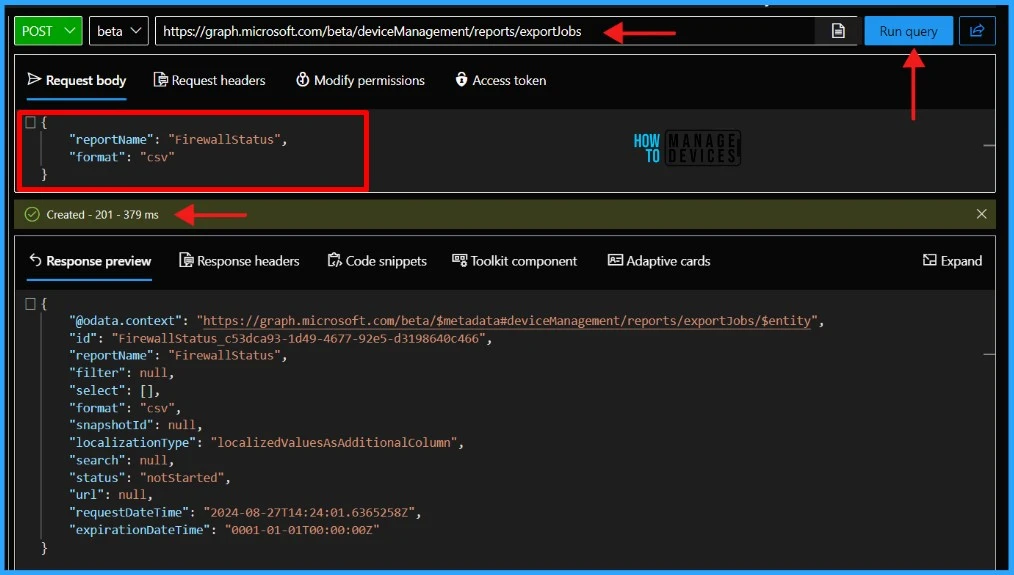
For more details, Automate Intune Firewall Policy Reports using Graph API and Get export jobs FirewallStatus UPN Details- https://www.anoopcnair.com/auto-intune-firewall-policy-reports-graph-api/ and – Check Firewall Policy Reports from Intune -https://www.anoopcnair.com/check-firewall-policy-reports-from-intune/
Replied by Philipp Garcia
There are two options: use the PowerShell script provided by others to filter by IP address or upgrade to a firewall that can parse domain names from the SSL handshake and allow or disallow them based on that. Most commercial firewalls support this feature, essential for basic URL filtering.
Replied by Brett Lock
In the intune network endpoint documentation, there is a powershell script you can run that will give you the list of the IPs https://learn.microsoft.com/…/fundamen…/intune-endpoints