
Best Practice Solutions for Archiving Data
Question
Hi All,
I’m new in this group. We have a customer with a lot of archive data. We are looking for a best practice solution for the customer. How do you do that? I was thinking for a windows file server with Azure AD Connect, or is a Synology NAS also a good option with connection Azure AD. How is it possible to create a network share / drive letter to push this from Intune. And using the Microsoft 365 credentials
Posted by Pim Hendriks in HTMD FB Group

Answers ( 2 )
Replied by Tom Kristiansen
Share via power shell
Replied by Trevor Harris
Usually you wouldn’t map archival data to a drive letter, you’d put it in an Azure cold storage tier and retrieve it from the Azure Portal as needed. If the data will be accessed frequently then i wouldn’t consider it archival.
Azure AD has no relevance here as that is for synchronizing users and groups, not files.
Replied by Mathias Segerlund
Blob storage
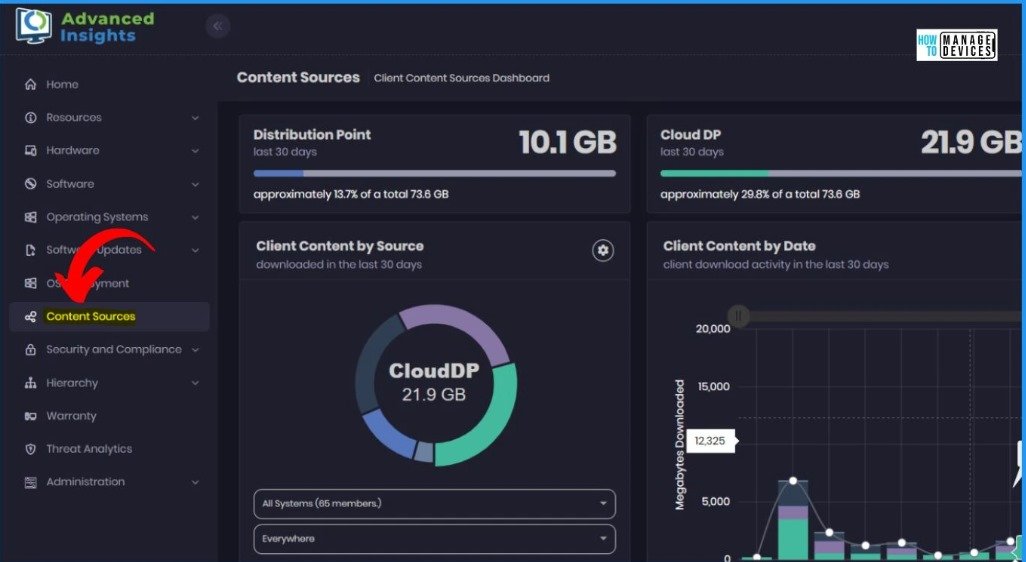
For More Details Advanced Insights of SCCM Data
https://www.anoopcnair.com/advanced-insights-of-sccm-data/
Replied by Adnan Hendricks
You can do azure file sync / file share map using posh
Replied by Pim Hendriks
Adnan Hendricks TNX. What is POEH?
Replied by Adnan Hendricks
Pim Hendriks power shell script
Replied by Pim Hendriks
Adnan Hendricks of course